For decades, web design has operated under a single, fundamental constraint: anticipation. As designers and developers, we spend months mapping user flows, wireframing edge cases, and building responsive grids. We try to anticipate every possible action, device size, and user intent. The result is a web of templates—polished, functional, but ultimately rigid.
Enter Generative UI.
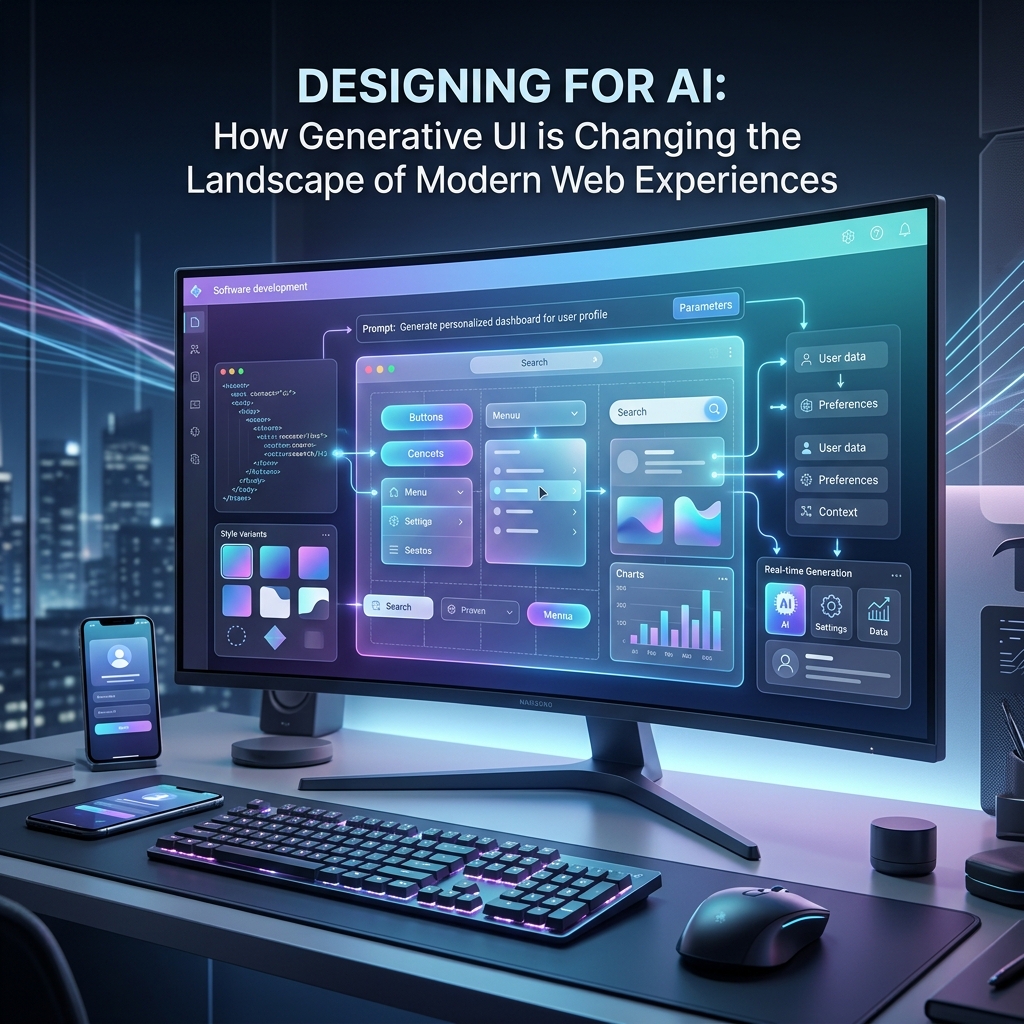
Generative UI is a paradigm shift that turns this model on its head. Instead of forcing users to navigate pre-built layouts, the interface generates itself in real-time, tailored precisely to the user's intent. When a user asks an AI assistant to "compare the price of flights to Tokyo next month and show me a breakdown of hotel costs," they don't get a wall of text or a standard search result page. Instead, the interface dynamically constructs a custom comparison table, a bar chart, and an interactive booking widget—assembled on-the-fly and rendered directly in their browser.
This blog post will dive deep into how Generative UI works, explore the architectural patterns powering this transformation, outline critical UX principles for designing in the AI era, and walk through a real-world code implementation.
Understanding the Shift: From Chatbots to Generative Interfaces
To understand Generative UI, we must first look at the evolution of human-computer interaction (HCI) in the era of Artificial Intelligence:
- Conversational Interfaces (The Chatbot Era): The first wave of consumer AI apps relied heavily on chat. Users entered text, and the AI responded with markdown text. While conversational interfaces are natural, text is a highly inefficient medium for complex tasks. Reading a long itinerary is harder than looking at a timeline; choosing a flight from a text block is slower than using a calendar picker.
- Generative UI (The Hybrid Era): Generative UI combines the flexibility of natural language processing with the rich interactivity of traditional UI elements. Instead of outputting text, the Large Language Model (LLM) decides which UI component is best suited to display the requested information, fetches the structured data to populate it, and streams the component onto the screen.
In this hybrid paradigm, the LLM is not the interface itself; it is the orchestrator of the interface.
The Core Architecture of Generative UI
How does a server take a natural language prompt and transform it into a live, interactive React or Vue component? The magic lies in a feature called LLM Tool Calling (or Function Calling).
Here is the step-by-step lifecycle of a Generative UI interaction:
- User Prompt: The user submits a prompt, such as: "Show me the weather in Paris for the next three days."
- Intent Analysis & Tool Selection: The LLM processes the query and realizes it needs external data and a visual presentation. It matches the query against a list of registered "tools" (functions) provided by the server. In this case, it selects a tool called
getWeatherand infers the arguments:{ city: "Paris", days: 3 }. - Data Fetching: The backend executes the helper function associated with the
getWeathertool, fetching live meteorological data from an external API. - Structured Mapping: The server wraps this retrieved data into a predefined JSON schema.
- Component Streaming: Instead of just sending raw JSON back to the client, the server maps the tool execution state to a specific React component (e.g.,
<WeatherWidget />) and streams the component's render state directly to the client. - Dynamic Rendering: The frontend receives the stream, resolves the component, passes the fetched data as props, and renders the interactive UI in real-time with visual transitions.
This approach keeps your application secure and performant. You are not sending arbitrary code from the LLM to the browser (which would be a massive security risk). Instead, you are sending structured data that dynamically populates a trusted, pre-compiled component library residing in your codebase.
UX Principles for the AI-Driven Canvas
Designing an interface that changes shape on-the-fly presents unique user experience challenges. Without careful design, Generative UI can feel disorienting, unpredictable, and untrustworthy. Here are the core UX principles for building successful generative experiences:
1. Visual Stability and Smooth Transitions
When components are rendering dynamically, layouts can jump unexpectedly, causing visual fatigue or accidental clicks (cumulative layout shift).
- Use Skeleton Loaders: While the LLM is choosing a tool or fetching data, render a matching skeleton placeholder to reserve the visual space.
- Animate Layout Changes: Use libraries like Framer Motion or the Web CSS View Transitions API to smoothly animate components scaling, entering, or exiting the canvas.
2. Graceful Degradation and Fallbacks
AI models are non-deterministic; they can make mistakes. The LLM might pass incomplete arguments to a tool or select the wrong component.
- Strict Prop Validation: Ensure all dynamic components have robust error boundaries and fallback UI states (e.g., if a chart component receives invalid coordinates, fall back to a clean list view).
- Text Readback: Always provide a plain-text explanation alongside the generated UI. If a component fails to render, the user should still get their answer in text form.
3. State Continuity and Two-Way Interactivity
A generative component shouldn't be a dead-end snapshot. It must be fully interactive and capable of feeding state back into the conversation.
- Embedded Call-to-Actions: If the LLM generates a flight card, clicking "Select flight" should update the global application state and prompt the LLM to generate the next logical step (e.g., hotel selection).
- Bi-directional State: The AI can modify the component, but the user must also be able to modify the component manually (e.g., adjusting a slider should update the prompt parameters).
4. Cognitive Load Management
Because the UI can render anything, there is a risk of overwhelming the user.
- Progressive Disclosure: Start with the simplest, most direct component. Let the user expand the widget to see advanced charts or deep-dive details.
- Scannable Layouts: Use strict typography hierarchies, visual groupings, and contrasting colors to help the user instantly register the structure of the dynamically generated component.
Implementation: Building a Generative UI Stream
Let's look at how we can implement this pattern using React and the popular Vercel AI SDK. This example demonstrates how to set up an AI agent that renders a custom <StockTicker /> or <MarketChart /> component based on user input.
First, let's look at the server-side route. This API handler defines the model, handles the incoming prompt, and specifies the tools the model can access:
// app/api/chat/route.ts
import { openai } from '@ai-sdk/openai';
import { streamUI } from 'ai';
import { z } from 'zod';
import { StockTicker } from '@/components/StockTicker';
import { MarketChart } from '@/components/MarketChart';

export async function POST(req: Request) {
  const { messages } = await req.json();

  const result = await streamUI({
    model: openai('gpt-4o'),
    prompt: messages[messages.length - 1].content,
    text: ({ content }) => `<p class="text-gray-700">${content}</p>`,
    tools: {
      showStockPrice: {
        description: 'Get the current stock price for a given ticker symbol',
        parameters: z.object({
          symbol: z.string().describe('The stock ticker symbol, e.g., AAPL, MSFT'),
        }),
        generate: async function* ({ symbol }) {
          yield <div className="animate-pulse h-16 bg-gray-200 rounded-lg">Loading stock data...</div>;

          const price = (Math.random() * 150 + 100).toFixed(2);
          const change = (Math.random() * 6 - 3).toFixed(2);

          return <StockTicker symbol={symbol} price={price} change={change} />;
        }
      },
      showMarketChart: {
        description: 'Show a historical market chart for a stock symbol',
        parameters: z.object({
          symbol: z.string().describe('The stock ticker symbol'),
          range: z.enum(['1D', '1W', '1M', '1Y']).describe('The historical timeframe'),
        }),
        generate: async function* ({ symbol, range }) {
          yield <div className="animate-pulse h-48 bg-gray-200 rounded-lg">Generating interactive chart...</div>;

          const dataPoints = Array.from({ length: 10 }, (_, i) => ({
            date: `Point ${i + 1}`,
            value: Math.floor(Math.random() * 100) + 150,
          }));

          return <MarketChart symbol={symbol} range={range} data={dataPoints} />;
        }
      }
    }
  });

  return result.toDataStreamResponse();
}
Next, on the client side, we use the hooks to submit messages and render the dynamic components directly within the chat timeline:
// app/page.tsx
'use client';

import { useActions, useUIState } from 'ai/rsc';
import { useState } from 'react';

export default function ChatPage() {
  const [input, setInput] = useState('');
  const [conversation, setConversation] = useUIState();
  const { submitUserMessage } = useActions();

  const handleSubmit = async (e: React.FormEvent) => {
    e.preventDefault();

    setConversation((current: any) => [
      ...current,
      { id: Date.now(), role: 'user', display: <div>{input}</div> }
    ]);

    const response = await submitUserMessage(input);

    setConversation((current: any) => [
      ...current,
      response
    ]);

    setInput('');
  };

  return (
    <div className="max-w-2xl mx-auto p-6 flex flex-col h-screen">
      <div className="flex-1 overflow-y-auto space-y-4 mb-6">
        {conversation.map((message: any) => (
          <div
            key={message.id}
            className={`p-4 rounded-xl ${message.role === 'user' ? 'bg-blue-50 ml-auto max-w-[80%]' : 'bg-gray-50 mr-auto w-full'}`}
          >
            {message.display}
          </div>
        ))}
      </div>

      <form onSubmit={handleSubmit} className="flex gap-2">
        <input
          type="text"
          value={input}
          onChange={(e) => setInput(e.target.value)}
          placeholder="Ask about stock prices or charts..."
          className="flex-1 px-4 py-2 border rounded-lg focus:outline-none focus:ring-2 focus:ring-blue-500"
        />
        <button type="submit" className="px-6 py-2 bg-blue-600 text-white rounded-lg hover:bg-blue-700">
          Send
        </button>
      </form>
    </div>
  );
}
Best Practices for Engineering Generative UI Systems
- Strictly Define Component Specs: The LLM does not write React code; it writes JSON arguments. Define your component interfaces explicitly with TypeScript and Zod schemas. This creates a hard contract between the AI output and your rendering logic.
- Code-Split Dynamically Generated Modules: If your app has 50 different widgets that could be rendered by the LLM, do not bundle them all into the main page load. Use dynamic imports (e.g.,
next/dynamicorReact.lazy) to fetch the component chunk only when the LLM triggers that tool. - Impose Security Boundaries: Never allow the LLM to output unsterilized HTML strings or run custom scripts (e.g.,
eval). All logic, styling, and event handlers must live securely inside pre-compiled codebase components, not the LLM prompt context. - Implement "Editability": When the LLM outputs a component, give the user the power to adjust the visual elements manually (e.g., clicking on a bar chart segment to filter data, or typing in a field to edit an generated itinerary). Don't force them to write another prompt to make a minor correction.
Future Outlook: The Liquid Web
As LLMs become faster, cheaper, and multi-modal, we are moving toward a future of Liquid Interfaces—web experiences that have no fixed structure.
In this future, design systems will evolve from static collections of components into semantic intent engines. A designer won't build specific pages; instead, they will design rules, style tokens, and adaptive component families. The layout engine will compose these elements in real-time, responding not just to screen size, but to the user's focus patterns, accessibility needs, and immediate goals.
We are already seeing early glimpses of this with platforms like v0, Lovable, and Claude Artifacts. Soon, these canvas-based, generative paradigms will transition directly into custom SaaS dashboards, e-commerce checkouts, and personal productivity hubs.
Conclusion
Generative UI is redefining the boundaries between design and code, turning static interfaces into intelligent, responsive canvases. By understanding LLM tool calling, adhering to visual stability guidelines, and establishing strict security boundaries, developers and designers can create web experiences that feel incredibly personal, highly efficient, and forward-looking.