Introduction & Industry Context
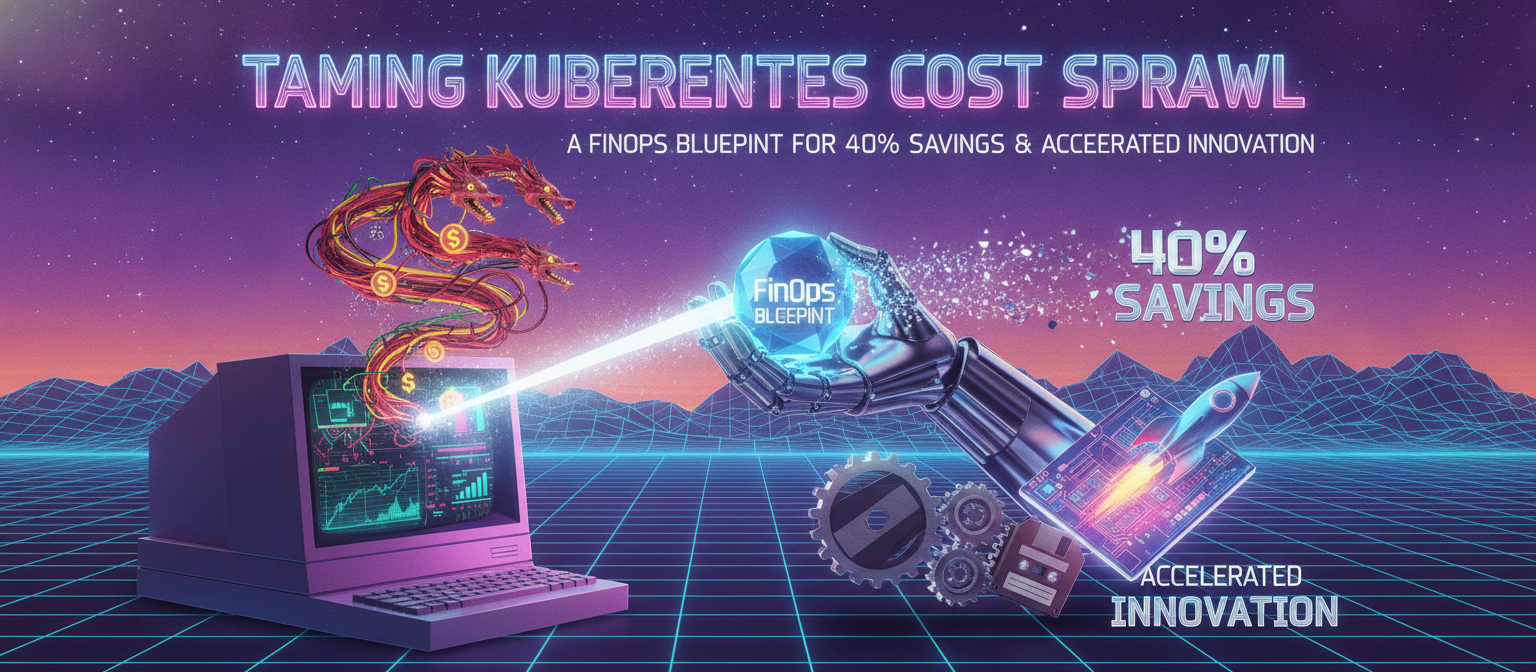
As organizations increasingly embrace cloud-native architectures, Kubernetes has become the de facto operating system for the modern data center, both on-premises and in the public cloud. Its unparalleled ability to orchestrate containers, manage complex deployments, and facilitate microservices adoption offers immense scalability and agility. However, with this power comes a significant challenge: cost management. For many CEOs, CTOs, and business executives, the promise of Kubernetes-driven efficiency is often overshadowed by opaque, escalating cloud bills. The dynamic nature of Kubernetes deployments, coupled with its resource abstraction, makes it notoriously difficult to track, attribute, and optimize spending, leading to what we term 'Kubernetes Cost Sprawl'. Without a strategic approach, this sprawl erodes profitability and stifles innovation.
The Core Problem & Business/Technical Impact
Kubernetes Cost Sprawl manifests in several critical ways:
- Resource Over-provisioning: Development teams often request more CPU and memory than their applications genuinely need, defaulting to generous limits to avoid performance issues. This leads to idle resources sitting unused but still billed.
- Lack of Visibility: Traditional cloud cost tools struggle with Kubernetes' granular, dynamic resource allocation. It's difficult to pinpoint which specific teams, applications, or even individual pods are consuming what resources, making accountability nearly impossible.
- Zombie Resources: Unused Persistent Volumes, orphaned load balancers, and uncleaned-up namespaces from stale development environments continue to incur charges unnoticed.
- Inefficient Scheduling: Suboptimal pod scheduling can leave nodes underutilized, forcing the provision of more expensive infrastructure than necessary.
- Complex Billing Models: The interplay of different cloud provider pricing models (on-demand, reserved, spot instances) with Kubernetes' dynamic scaling adds layers of complexity, making accurate forecasting and budgeting a significant challenge.
The business impact of this unresolved problem is substantial: inflated cloud bills directly impact gross margins, reduce free cash flow, and divert funds from strategic initiatives like R&D or market expansion. Technically, it indicates a lack of operational maturity, potential security blind spots, and ultimately, a slower time-to-market as engineering teams are either unaware of or not incentivized to optimize resource usage. This can create internal friction between finance and engineering, hindering the very agility Kubernetes was meant to foster.
Architectural Concept & Solution Blueprint
To combat Kubernetes Cost Sprawl, a robust FinOps framework is essential. FinOps is the practice of bringing financial accountability to the variable spend model of cloud, enabling organizations to make business trade-offs by understanding the cost of their cloud usage. For Kubernetes, this means integrating financial discipline directly into engineering operations. Our blueprint combines three core pillars:
- Visibility & Attribution: Implementing tools and processes to gain granular insight into Kubernetes resource consumption, correlating it directly with business units, applications, and environments.
- Optimization & Automation: Leveraging native Kubernetes features, third-party FinOps tools, and AI-driven agents for continuous resource rightsizing, waste elimination, and intelligent scaling.
- Governance & Culture: Establishing policies, guardrails, and fostering a collaborative culture between engineering, finance, and operations teams to drive continuous cost efficiency.
- Key Technologies & Concepts:Cloud-Native FinOps Tools: Solutions like Kubecost, OpenCost, or cloud provider-specific cost explorers integrated with Kubernetes. These provide real-time visibility into cluster costs by namespace, deployment, and team.
- AI-Driven Rightsizing Agents: Tools and custom scripts leveraging machine learning to analyze historical usage patterns and recommend optimal CPU/memory requests and limits for pods. Modern AI agents (like those built with LangChain, enhanced by Claude Code for complex logic) can even automate the generation and application of these recommendations.
- Horizontal Pod Autoscaler (HPA) & Vertical Pod Autoscaler (VPA): Core Kubernetes components for automatically adjusting resource allocation based on actual load. HPA scales pods horizontally, while VPA adjusts resource requests/limits vertically.
- Cluster Autoscaler (CA): Dynamically scales the number of nodes in your Kubernetes cluster up or down based on pending pods and resource utilization.
- Spot Instances/Preemptible VMs: Utilizing cheaper, interruptible compute instances for fault-tolerant workloads.
- Edge Workers (e.g., Cloudflare Workers): For applications with specific use cases, offloading certain functions to the edge can reduce load on origin Kubernetes clusters, thus lowering compute requirements.
- Vector Databases (e.g., Qdrant, Milvus): While not directly for cost optimization, vector databases can store and rapidly query embeddings of usage metrics and logs, allowing AI agents to quickly identify cost anomalies or patterns for optimization. This enables faster, more intelligent decision-making for FinOps automation.
Step-by-Step Implementation
1. Establish Granular Visibility and Cost Attribution
Implement a dedicated Kubernetes cost monitoring solution. Kubecost is a leading open-source (with commercial options) tool that provides real-time cost visibility and allocation by Kubernetes concepts (namespace, deployment, service). It integrates with Prometheus for metrics and cloud provider APIs for pricing data.
Action: Deploy Kubecost or OpenCost into your cluster.
# Deploying Kubecost with Helm
# Ensure Helm is installed and configured for your cluster.

# Add the Kubecost Helm repository
helm repo add kubecost https://kubecost.github.io/cost-analyzer/
helm repo update

# Install Kubecost. Replace with your actual cloud provider details and API keys.
#   AWS:   the IAM role needs permission to read pricing and billing data.
#   GCP:   the service account needs billing read access.
#   Azure: the service principal needs cost management permissions.
helm install kubecost kubecost/cost-analyzer \
  --namespace kubecost --create-namespace \
  --set kubecostToken="YOUR_KUBECOST_TOKEN" \
  --set clusterName="your-production-cluster" \
  --set prometheus.kube-state-metrics.enabled=true \
  --set prometheus.node-exporter.enabled=true \
  --set prometheus.server.retention=15d \
  --set opencost.cloudProvider.priority="aws"   # or "gcp" / "azure"

# After deployment, access the Kubecost UI via port-forwarding or Ingress:
# kubectl port-forward --namespace kubecost deployment/kubecost-cost-analyzer 9090
2. Implement Automated Resource Rightsizing with VPA and AI
Over-provisioned pods are a primary source of waste. Vertical Pod Autoscaler (VPA) automatically adjusts CPU and memory requests and limits for containers. Integrate this with AI-driven recommendations from tools like those using Claude Code to analyze historical usage patterns and provide more intelligent, long-term suggestions.
Action: Deploy VPA and configure it for key workloads.
apiVersion: autoscaling.k8s.io/v1
kind: VerticalPodAutoscaler
metadata:
  name: my-app-vpa
  namespace: my-application-namespace
spec:
  targetRef:
    apiVersion: "apps/v1"
    kind: Deployment
    name: my-app-deployment
  updatePolicy:
    updateMode: "Auto"  # "Off", "Recreate", or "Auto"
  resourcePolicy:
    containerPolicies:
      - containerName: "*"  # apply to all containers in the deployment
        minAllowed:
          cpu: 100m
          memory: 128Mi
        maxAllowed:
          cpu: 2
          memory: 4Gi
        controlledResources: ["cpu", "memory"]
        # controlledValues: "RequestsAndLimits"  # sets both; can also be "RequestsOnly"
3. Optimize Cluster Scaling with HPA and Cluster Autoscaler
Ensure your cluster scales dynamically based on demand. Horizontal Pod Autoscaler (HPA) scales the number of pods for a deployment, while Cluster Autoscaler (CA) manages the underlying nodes.
Action: Implement HPA for stateless services and deploy Cluster Autoscaler.
apiVersion: autoscaling/v2
kind: HorizontalPodAutoscaler
metadata:
  name: my-api-hpa
  namespace: my-application-namespace
spec:
  scaleTargetRef:
    apiVersion: apps/v1
    kind: Deployment
    name: my-api-deployment
  minReplicas: 2
  maxReplicas: 10
  metrics:
    - type: Resource
      resource:
        name: cpu
        target:
          type: Utilization
          averageUtilization: 70   # scale up above 70% CPU
    - type: Resource
      resource:
        name: memory
        target:
          type: Utilization
          averageUtilization: 80   # scale up above 80% memory
4. Eliminate Waste and Optimize Storage
Regularly identify and clean up unused resources. This includes orphaned Persistent Volumes, stale Load Balancers, and unutilized namespaces. Many FinOps tools offer reports on these. Action: Implement policies and automated scripts for cleanup. Regularly review Kubecost reports for waste.
5. Leverage Cost-Effective Pricing Models
Integrate cloud provider pricing strategies like Spot Instances for interruptible workloads (e.g., batch processing, dev/test environments) and Reserved Instances/Savings Plans for predictable base loads. Action: Work with your cloud provider and finance team to identify eligible workloads and purchase commitments.
6. Implement FinOps Policies & Governance with AI Assistance
Define clear policies for resource requests/limits, tagging, and budget alerts. Use AI agents (e.g., via n8n workflows) to automate policy enforcement, generate cost optimization reports, or even suggest policy refinements based on observed deviations and cost impacts.
Action: Establish a cross-functional FinOps team, define tagging standards, and set up automated alerts for cost anomalies.
# A Pod Disruption Budget preserves availability while VPA/HPA make automated changes.
apiVersion: policy/v1
kind: PodDisruptionBudget
metadata:
  name: my-app-pdb
  namespace: my-application-namespace
spec:
  minAvailable: 70%   # keep at least 70% of pods available during voluntary disruptions
  selector:
    matchLabels:
      app: my-app
While not a FinOps policy per se, a PDB ensures availability during automated scaling. An AI agent could tune minAvailable (or maxUnavailable) against your SLOs — for instance, allowing more aggressive, cheaper scaling during off-peak hours.
Performance Optimization & Best Practices
- Continuous Monitoring & Iteration: FinOps is not a one-time project. Continuously monitor costs, analyze trends, and iterate on optimization strategies. Leverage dashboards (e.g., Grafana with Prometheus) to visualize cost metrics alongside operational metrics.
- GitOps for FinOps: Manage all Kubernetes resource configurations (including VPA, HPA, resource requests/limits) in a Git repository. This provides an audit trail, enables automated deployments, and promotes collaboration. AI agents can suggest changes to these configurations as pull requests.
- Right-Sizing Development Environments: Apply FinOps principles to non-production environments. Use smaller, ephemeral clusters or namespaces that spin down when not in use. Tools like Kubecost can report dev/test environment costs distinctly.
- Leverage Cloud-Native Tools: Fully utilize cloud provider-specific cost management tools in conjunction with Kubernetes-aware solutions. For instance, Azure Cost Management, AWS Cost Explorer, or Google Cloud Billing Reports.
- Team Collaboration & Education: Foster a culture of cost awareness. Educate engineering teams on the impact of their resource choices and provide them with the visibility and tools to optimize.
- Edge Integration: For specific workloads requiring ultra-low latency or reduced origin load, consider offloading to Edge Workers (e.g., Cloudflare Workers). While not a direct Kubernetes cost reduction, it can reduce the overall compute footprint required from your main clusters, thereby contributing to savings.
Business ROI & Future Outlook
Implementing a comprehensive FinOps strategy for Kubernetes delivers tangible business value:
- Reduced Cloud Bills (30-40%): Direct cost savings from rightsizing, waste elimination, and intelligent scaling, freeing up capital for strategic investments.
- Accelerated Innovation: By optimizing infrastructure spend, budgets become more predictable and more resources can be allocated to new features and product development, improving time-to-market.
- Improved Operational Efficiency: Automated optimization reduces manual toil, allowing engineering teams to focus on higher-value tasks.
- Enhanced Financial Predictability: Better visibility and governance lead to more accurate budgeting and forecasting, essential for executive planning.
- Sustainable Growth: Prevents cost from becoming a bottleneck as your Kubernetes footprint expands, ensuring that scaling the business doesn't equate to unsustainable infrastructure costs.
The future of Kubernetes FinOps will be heavily influenced by advanced AI agents. Imagine a system where AI constantly analyzes your application's performance, user traffic, and cloud pricing models in real-time, autonomously adjusting VPA/HPA configurations, suggesting optimal instance types, and even predicting future cost spikes before they occur. Tools like Claude Code could assist in generating these complex AI models or crafting highly specific optimization scripts, further automating and refining cost management processes, transforming FinOps from a practice into an almost entirely autonomous operation.
Conclusion
Kubernetes has revolutionized how we build and deploy applications, but its cost complexity can quickly negate its benefits. By embracing a robust FinOps framework—centered on granular visibility, automated optimization, and a culture of cost awareness—CEOs, CTOs, and business executives can transform Kubernetes from a potential budget drain into a powerful engine for profitable innovation. This strategic blueprint empowers organizations to not only reclaim control over their cloud spending but also to unlock the full economic potential of their cloud-native investments, ensuring sustainable growth and competitive advantage in the rapidly evolving digital landscape.