Introduction: The Performance Frontier of the Web
For decades, the web browser was viewed as a simple document reader, serving static text and basic images. Over time, it evolved into an interactive platform capable of running full-scale, complex applications. At the heart of this revolution is JavaScript. However, as web applications grew more ambitious—incorporating 3D gaming, video editing, real-time audio synthesis, and client-side machine learning—developers hit a performance wall. JavaScript, with its dynamic typing, garbage collection, and single-threaded execution model, struggles with computationally intensive workloads.
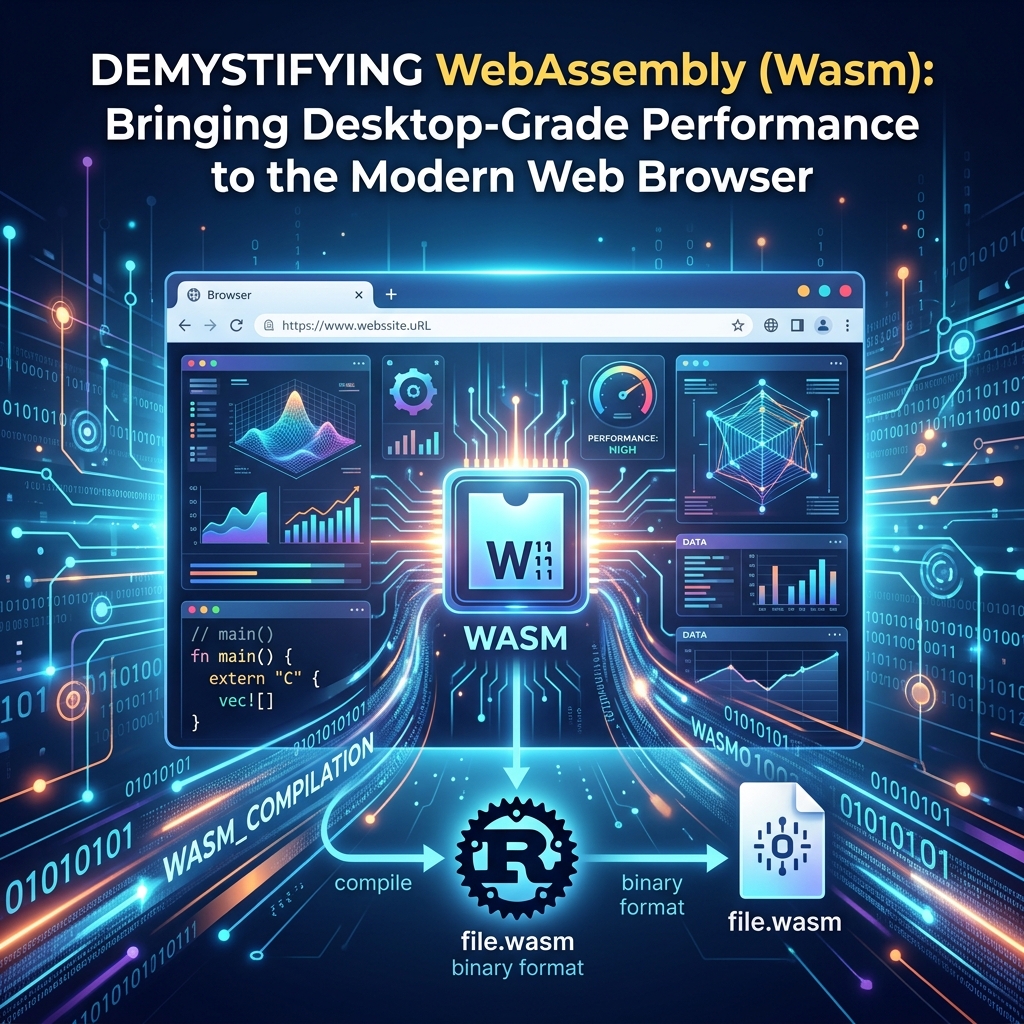
Enter WebAssembly (Wasm). WebAssembly is a low-level, binary instruction format designed as a compilation target for languages like Rust and C++. It executes at near-native speed, bringing desktop-grade performance directly to the modern web browser. Crucially, WebAssembly is not a replacement for JavaScript; rather, it is a powerful ally designed to handle the heavy lifting while JavaScript orchestrates the user interface and user interaction. Together, they create a co-operative execution model that redefines what is possible on the web.
Understanding WebAssembly: Under the Hood
To understand why WebAssembly is so fast, we must look at how the browser executes code. Traditionally, when a browser receives a JavaScript file, it must parse the text into an Abstract Syntax Tree (AST), compile it into bytecode, and eventually run it using a Just-In-Time (JIT) compiler. Because JavaScript is dynamically typed, the engine has to constantly monitor execution, optimize code based on assumed types, and de-optimize it when those assumptions prove incorrect. This cycle introduces unpredictability and latency.
WebAssembly defines a stack-based virtual machine. It operates on typed values and executes a structured instruction set. When compiling code to Wasm, the compiler produces a binary .wasm file containing highly optimized bytecode. Wasm achieves near-native performance due to several design characteristics:
- Compact Representation: The binary format is dense and highly compressed, resulting in faster network transmission compared to equivalent text-based JavaScript files.
- Rapid Parsing and Compilation: Modern browser engines compile Wasm bytecode to machine code in a single pass. The structure of Wasm allows compilation to occur concurrently with the download, meaning code is often ready to execute the moment the file finished downloading.
- Predictable Execution: Because Wasm bytecode is static and typed, browser engines do not need to run dynamic profiling or optimization loops. The generated machine code runs at a stable, highly consistent speed.
- Sandboxed Security: Wasm does not directly access the Document Object Model (DOM) or system hardware. It operates inside a memory-safe sandbox, communicating with the JavaScript runtime through imports and exports.
Wasm's memory model is centered around Linear Memory. This memory is a contiguous array of raw bytes represented in JavaScript as an ArrayBuffer. Compiled Rust or C++ code reads and writes to this buffer using raw pointers, and JavaScript can access the same buffer using typed arrays (like Uint8Array). This shared memory space allows the two environments to pass large chunks of data back and forth with near-zero latency, avoiding expensive serialization and copy operations.
Bridging the Language Gap: Rust and C++
WebAssembly is not meant to be written by hand (although you can write its textual representation, WebAssembly Text format, or WAT). Instead, developers write performance-critical logic in compiled languages that compile down to LLVM intermediate representation (IR), which can then be outputted as a Wasm binary.
C++ and Emscripten
C++ has been the language of choice for desktop applications, 3D engines, and mathematical libraries for decades. The standard compiler toolchain for compiling C++ to the web is Emscripten. Emscripten uses Clang and LLVM to translate C++ code into WebAssembly modules. It also generates JavaScript runtime wrappers that emulate POSIX features, handle file system access, and map graphics APIs (like OpenGL ES) directly to the browser's WebGL or WebGPU interfaces. This enables developers to compile millions of lines of legacy C++ code—such as the Unreal Engine or Adobe Photoshop—and run them in browser tabs with minimal changes.
Rust and the wasm-bindgen Ecosystem
While C++ is ideal for porting existing applications, Rust has become the preferred language for writing new WebAssembly modules. Rust is uniquely suited for WebAssembly because it has no runtime or garbage collector, meaning compiled Wasm modules are small and start instantly. Furthermore, Rust's strict compiler checks enforce memory safety and prevent concurrency bugs at compile time. This eliminates vulnerability risks (such as buffer overflows) that are common in C++ without sacrificing speed.
The Rust ecosystem features dedicated tooling for Wasm development, primarily wasm-bindgen and wasm-pack. While wasm-bindgen automatically generates high-level JS glue code to translate complex Rust structures into JavaScript objects, wasm-pack orchestrates compilation, optimization, and packaging for NPM registry publishing.
Hands-on Implementation: From Rust to the Browser
To demystify how WebAssembly works, let's build an image processing filter. We will write a function in Rust that converts an array of RGBA pixels to grayscale, compile it to WebAssembly, and invoke it from JavaScript inside a web browser.
1. Writing the Rust Library
First, we write a Rust function that accepts a mutable slice of bytes representing pixel color values and modifies them in place. The #[wasm_bindgen] attribute exposes this function to our JavaScript wrapper.
use wasm_bindgen::prelude::*;

pub fn apply_grayscale(pixels: &mut [u8]) {
    // Pixels are stored sequentially in RGBA format (4 bytes per pixel)
    // We loop over mutable chunks of 4 to convert each pixel to grayscale
    for chunk in pixels.chunks_exact_mut(4) {
        let r = chunk[0] as f32;
        let g = chunk[1] as f32;
        let b = chunk[2] as f32;

        // Standard NTSC weights for relative luminance
        let gray = (0.299 * r + 0.587 * g + 0.114 * b) as u8;

        chunk[0] = gray; // Red
        chunk[1] = gray; // Green
        chunk[2] = gray; // Blue
        // chunk[3] (Alpha) is left unchanged
    }
}
2. Compiling the Code to Wasm
Using the command-line utility wasm-pack, we compile the Rust project into a format suitable for the web. Running the following command builds a optimized production release and creates a pkg/ folder containing the .wasm binary and the auto-generated JavaScript bindings:
wasm-pack build --target web
3. Loading and Running in the Browser
Next, we write an HTML page that draws a colorful gradient to a canvas, loads our compiled WebAssembly module, and processes the canvas pixels using our Rust function when a button is clicked.
<!DOCTYPE html>
<html lang='en'>
<head>
    <meta charset='UTF-8'>
    <title>WebAssembly Grayscale Demo</title>
</head>
<body>
    <canvas id='canvas' width='400' height='400'></canvas>
    <button id='btn'>Apply Grayscale</button>

    <script type='module'>
        // Import the initialisation function and the compiled Rust wrapper
        import init, { apply_grayscale } from './pkg/image_filter.js';

        async function start() {
            // Load and instantiate the WebAssembly binary
            await init();

            const canvas = document.getElementById('canvas');
            const ctx = canvas.getContext('2d');

            // Draw a temporary colorful gradient for demonstration
            const grad = ctx.createLinearGradient(0, 0, 400, 400);
            grad.addColorStop(0, 'red');
            grad.addColorStop(0.5, 'green');
            grad.addColorStop(1, 'blue');
            ctx.fillStyle = grad;
            ctx.fillRect(0, 0, 400, 400);

            document.getElementById('btn').addEventListener('click', () => {
                // Get the pixel data from the canvas
                const imgData = ctx.getImageData(0, 0, canvas.width, canvas.height);

                // Pass the raw typed array (Uint8ClampedArray) directly into Wasm
                // wasm-bindgen handles the layout mappings and memory bounds automatically
                apply_grayscale(imgData.data);

                // Paint the modified pixel data back onto the canvas
                ctx.putImageData(imgData, 0, 0);
            });
        }

        start();
    </script>
</body>
</html>
C++ Compilation: A Quick Reference
If you prefer C++, you can achieve the same result using Emscripten. Suppose you have a file named grayscale.cpp that contains your pixel processing functions. You can compile it using the Emscripten compiler command:
emcc grayscale.cpp -O3 -s WASM=1 -s EXPORTED_FUNCTIONS="['_apply_grayscale']" -o grayscale.js
This creates a JavaScript integration script and a corresponding .wasm module containing the C++ code compiled with maximum optimizations (-O3).
WebAssembly Design Patterns & Best Practices
Simply compiling code to WebAssembly does not guarantee optimal performance. Developers must structure their applications carefully to avoid architectural bottlenecks:
- Minimize Boundary Crossings: The transition boundary between JavaScript and WebAssembly carries a performance overhead. Do not make thousands of micro-calls to Wasm functions inside a loop. Instead, pass a reference to a large array in memory, let Wasm perform the heavy computations, and retrieve the result once.
- Zero-Copy Data Transfer: Instead of copying large datasets (like audio or image buffers) between the JavaScript heap and Wasm linear memory, allocate the buffer directly within Wasm memory and read/write to it using a JavaScript
TypedArraywindow (e.g.,new Uint8Array(wasm.memory.buffer, pointer, length)). - Web Workers & True Threading: To prevent heavy computations from blocking the main browser UI thread, execute WebAssembly inside a Web Worker. By combining Workers with
SharedArrayBufferand Atomics, Wasm can utilize multiple CPU cores for true parallel processing. - Streaming Instantiation: Avoid downloading Wasm modules as an array buffer first. Use the modern
WebAssembly.instantiateStreaming(fetch('module.wasm'))API, which enables compilation of the bytecode on the fly during network transfer.
Real-World Browser Use Cases
WebAssembly has graduated from experimental projects to production-grade applications that billions of users interact with every day:
- Design and Creative Suites: Figma utilizes a C++ backend compiled to WebAssembly to power its interactive design canvas, rendering complex vector paths at 60 FPS. Similarly, Adobe Photoshop Web delivers desktop-grade image processing filters directly inside browser tabs.
- Data Analytics and Databases: Querying huge datasets client-side is now viable. DuckDB-Wasm and SQLite-Wasm run complete, relational database engines locally, enabling rapid analytics on local CSV or Parquet files without server roundtrips.
- Browser-Based Games: Wasm acts as a bridge for 3D game engines (like Unity, Unreal, and Godot), allowing developers to ship desktop-quality graphic experiences that load instantly without plugins.
- Local Machine Learning: Frameworks like TensorFlow.js and ONNX Runtime Web leverage WebAssembly combined with WebGPU to execute neural network inference directly on the client machine, maintaining user privacy and reducing server execution costs.
Future of WebAssembly
The WebAssembly ecosystem is expanding beyond its initial bounds. Major browser engines now support **WasmGC** (Garbage Collection). This feature allows languages that rely on garbage collectors (such as Kotlin, Go, Dart, and Java) to compile down to highly optimized Wasm files without bundling a massive runtime garbage collector, greatly shrinking the output size.
Meanwhile, the **WebAssembly System Interface (WASI)** and the **Wasm Component Model** are taking Wasm out of the browser. These standards define a secure, language-agnostic interface for components to interact with host systems, paving the way for WebAssembly to become a universal runner for serverless microservices, edge computations, and modular plugins.
Conclusion
WebAssembly has fundamentally shifted the boundaries of what web browsers can achieve. By enabling languages like Rust and C++ to compile into high-performance, sandboxed bytecode, Wasm provides the key to native desktop performance inside a web page. Whether you are migrating a legacy application, building a graphics editor, or implementing local machine learning models, WebAssembly is an indispensable tool in the modern developer's toolkit. It is time to step beyond JavaScript's performance limits and harness the native power of the modern web browser.