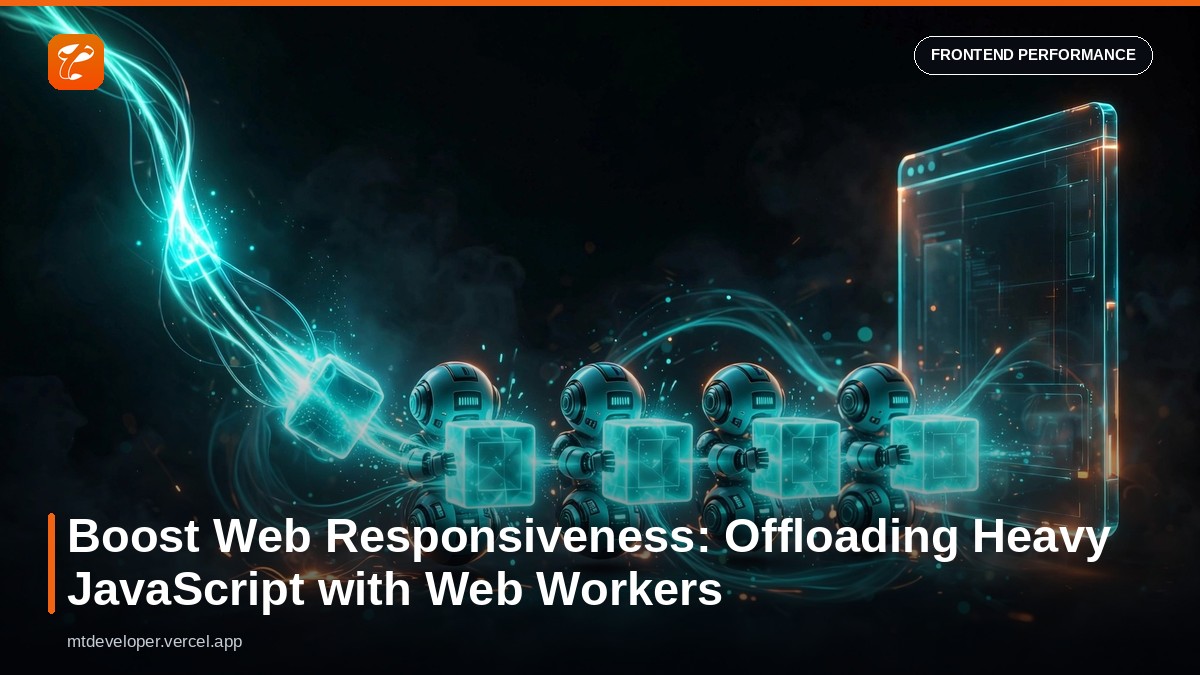
The Frustration of a Frozen UI: Why Your Web App Slows Down
Imagine a user navigating your meticulously crafted web application. They click a button, expecting an immediate response, but instead, the page freezes. The spinner twirls endlessly, scrolling becomes choppy, and clicks go unanswered. This isn't just an annoyance; it's a critical flaw that sabotages user experience, erodes trust, and directly impacts your business's bottom line.
This common problem stems from a fundamental characteristic of JavaScript in the browser: it's single-threaded. By default, all script execution, DOM manipulation, event handling, and rendering happen on a single "main thread." When your application performs a computationally intensive task – like processing large datasets, complex calculations, or heavy image manipulation – it monopolizes this main thread. The result? The UI becomes unresponsive, leading to high Interaction to Next Paint (INP) scores, a key Core Web Vital metric. Users get frustrated, bounce rates soar, and conversion rates plummet.
For businesses, this translates to lost revenue, diminished brand reputation, and a poor return on investment for development efforts. In today's competitive digital landscape, a slow web application is a broken web application.
The Solution Concept & Architecture: Unleashing Parallelism with Web Workers
The good news is that modern browsers offer a powerful solution to this problem: Web Workers. A Web Worker allows you to run scripts in a background thread, separate from the main execution thread of your web page. This means you can perform long-running computations without blocking the user interface.
Think of it as hiring a dedicated assistant for your web page. The main thread (you) handles all user interactions and UI updates, while the Web Worker (your assistant) quietly crunches numbers or processes data in the background. When the assistant is done, they send the results back to you, and you update the UI without ever missing a beat.
Key characteristics of Web Workers:
- Isolated Environment: Workers run in their own global context, isolated from the main thread. They cannot directly access the DOM, the
windowobject, or other browser APIs that affect the UI. - Message-Based Communication: Communication between the main thread and a worker happens via messages using the
postMessage()method. Data is passed as a copy, not by reference. - Asynchronous: All worker communication is asynchronous, ensuring the main thread remains non-blocking.
- Long-Running Tasks: Ideal for CPU-intensive operations that would otherwise freeze the UI.
By offloading heavy tasks to Web Workers, you free up the main thread to handle user input and render updates, ensuring your application remains fluid and highly responsive, even under load.
Step-by-Step Implementation: A Practical Example of Offloading Calculations
Let's illustrate how to implement Web Workers by tackling a common CPU-intensive task: finding prime numbers within a large range. If executed on the main thread, this calculation would undoubtedly block the UI.
1. Setting Up Your HTML
First, create an index.html file with a simple UI: a button to start the calculation, a display for the result, and a status indicator to show that the main thread remains active.
<!DOCTYPE html>
<html lang="en">
<head>
    <meta charset="UTF-8">
    <meta name="viewport" content="width=device-width, initial-scale=1.0">
    <title>Web Worker Prime Calculator</title>
    <style>
        body { font-family: sans-serif; margin: 20px; }
        #result { margin-top: 20px; font-weight: bold; }
        #mainThreadStatus { margin-top: 10px; color: gray; }
    </style>
</head>
<body>
    <h1>Prime Number Calculator with Web Workers</h1>
    <p>This example demonstrates offloading a heavy computation to a Web Worker to keep the UI responsive.</p>
    <button id="calculateButton">Find Primes (Worker)</button>
    <div id="result">Click "Find Primes" to start calculation.</div>
    <div id="mainThreadStatus">Main thread status: Initializing...</div>

    <script src="main.js"></script>
</body>
</html>
2. The Worker Script (worker.js)
This script will contain the CPU-intensive prime number finding logic. It runs in its own isolated thread.
// worker.js

/**
Checks if a number is prime.@param {number} num@returns {boolean} */
function isPrime(num) {
    if (num <= 1) return false;
    for (let i = 2; i <= Math.sqrt(num); i++) {
        if (num % i === 0) return false;
    }
    return true;
}

/**
Listens for messages from the main thread.event.data contains the data sent via postMessage(). */
self.onmessage = (event) => {
    const { command, start, end } = event.data;

    if (command === 'calculatePrimes') {
        const primes = [];
        for (let i = start; i <= end; i++) {
            if (isPrime(i)) {
                primes.push(i);
            }
        }
        // Send the result back to the main thread
        self.postMessage({ command: 'primesResult', result: primes });
    }
};
3. The Main Thread Script (main.js)
This script will live alongside your HTML, create the worker, send messages to it, and handle the results.
// main.js

document.addEventListener('DOMContentLoaded', () => {
    const calculateButton = document.getElementById('calculateButton');
    const resultDiv = document.getElementById('result');
    const mainThreadStatus = document.getElementById('mainThreadStatus');

    // Simulate a main thread activity visually to confirm responsiveness
    let toggle = true;
    setInterval(() => {
        mainThreadStatus.textContent =
          `Main thread is
          ${toggle ? 'active.' : 'running.'}`;
        toggle = !toggle;
    }, 500);

    // Check for Web Worker support before proceeding
    if (window.Worker) {
        // Create a new Web Worker instance
        const myWorker = new Worker('worker.js');

        calculateButton.addEventListener('click', () => {
            resultDiv.textContent = 'Calculating in background...';
            const startNumber = 2;
            const endNumber = 10_000_000; // A large range for demonstration

            // Send data to the worker
            myWorker.postMessage({ command: 'calculatePrimes', start: startNumber, end: endNumber });
        });

        // Listen for messages from the worker
        myWorker.onmessage = (event) => {
            if (event.data.command === 'primesResult') {
                const primes = event.data.result;
                resultDiv.textContent =
                  `Found ${primes.length} primes in the range.`;
            }
        };

        // Handle errors from the worker
        myWorker.onerror = (error) => {
            console.error('Worker error:', error);
            resultDiv.textContent = 'An error occurred during calculation.';
        };
    } else {
        resultDiv.textContent = 'Your browser does not support Web Workers.';
        calculateButton.disabled = true;
    }
});
With this setup, when you click "Find Primes," the heavy computation runs entirely in the background worker. You'll notice the "Main thread status" continuously updates, demonstrating that the UI remains responsive throughout the calculation.
Optimization & Best Practices for Web Worker Integration
1. When to Use Web Workers
Web Workers introduce some overhead (thread creation, message passing). They are most beneficial for:
- Long-running, CPU-bound tasks: Complex mathematical computations, image processing, large data sorting/filtering, encryption/decryption.
- Tasks that don't need direct DOM access: Remember, workers can't manipulate the DOM.
Avoid workers for trivial tasks, as the overhead can outweigh the benefits.
2. Transferable Objects for Performance
When you pass data between the main thread and a worker using postMessage(), the data is typically copied. For large data structures (like ArrayBuffer, MessagePort, ImageBitmap, OffscreenCanvas), copying can be slow. Transferable Objects allow you to "transfer" ownership of these objects to the worker (or back), meaning the original object becomes unusable in the sender's context, but no data copy occurs, significantly improving performance for large payloads.
// Main thread
const buffer = new ArrayBuffer(1024 * 1024); // 1MB buffer
worker.postMessage({ data: buffer }, [buffer]); // Transfer buffer ownership
3. Module Workers for ES Module Support
Traditional Web Workers didn't support ES modules, making dependency management cumbersome. Module Workers, created using new Worker('module.js', { type: 'module' }), allow you to use import and export statements directly within your worker scripts, greatly improving code organization and reusability.
4. Robust Error Handling
Implement comprehensive error handling in both the main thread (using worker.onerror) and within the worker itself. Uncaught errors in a worker will trigger the onerror event on the main thread, allowing you to react gracefully.
5. Resource Management: Terminating Workers
When a worker's task is complete, or it's no longer needed, terminate it using worker.terminate(). This frees up resources and memory. Recreating workers for subsequent tasks is generally fine if they are truly independent.
// Main thread
myWorker.terminate();
6. Using Libraries like Comlink for Simplified Communication
For more complex interactions, libraries like Comlink can abstract away the low-level postMessage API, allowing you to treat worker functions as if they were directly callable from the main thread (Remote Procedure Call - RPC style). This simplifies worker integration significantly.
Business Impact & Return on Investment (ROI)
Implementing Web Workers isn't just a technical nicety; it delivers tangible business value:
- Enhanced User Experience & Retention: A smooth, responsive UI is critical for user satisfaction. By preventing UI freezes, you reduce user frustration, decrease bounce rates, and encourage longer sessions. This directly impacts engagement metrics.
- Improved Conversion Rates: For e-commerce sites or applications requiring user input, a fluid experience ensures users complete their tasks without abandoning the page due to perceived slowness. A faster, more responsive checkout process can translate to a significant increase in conversions.
- Better SEO Rankings: Core Web Vitals, including INP, are increasingly important ranking signals for search engines. Optimizing these metrics through techniques like Web Workers can lead to better visibility and organic traffic.
- Stronger Brand Reputation: High-performing applications are perceived as professional, reliable, and cutting-edge. This strengthens your brand's image and builds user trust.
- Cost Efficiency (Indirect): While not a direct cost saving, improved user retention and conversion rates indirectly contribute to higher customer lifetime value and better marketing ROI, as fewer users are lost due to poor performance. Developers spend less time debugging performance issues related to main thread blocking.
By investing in Web Worker integration, you're not just optimizing code; you're investing in a superior user experience that drives business growth and sets your application apart.
Conclusion
The single-threaded nature of JavaScript has long been a bottleneck for complex web applications. Web Workers provide an elegant and effective solution, allowing developers to offload heavy computations and keep the main thread free for UI interactions. This fundamental shift from synchronous to asynchronous processing for demanding tasks transforms the user experience from frustratingly slow to delightfully smooth.
Embracing Web Workers is a strategic move for any modern web application aiming for peak performance, optimal user satisfaction, and strong business outcomes. By thoughtfully integrating them into your architecture, you empower your applications to handle intensive operations without compromise, ensuring a responsive, engaging, and ultimately more successful digital presence.